FortGraph
FortGraph is a lightweight toolkit for generating and exploring dependency graphs for Fortran codebases. The project was created to address the limited availability of open-source tools for parsing, visualizing, and understanding the structure of Fortran software.
It consists of two independent components:
- Open
FortGraph.htmlin a browser to get started with the interactive workspace (or use this link to access the online version). - Optionally use
fortran_to_workflow.pyto parse Fortran source files and generate a JSON dependency graph that can be loaded intoFortGraph.html.
The Python parser has no third-party dependencies, and the viewer does not require a backend server.
Features
- Parses modern and common legacy Fortran source files.
- Recognizes modules, subroutines, functions, and programs.
- Detects:
- module containment,
USEdependencies,USE ... ONLY:dependencies,- direct
CALLrelationships, - optional inferred function calls.
- Represents unresolved modules and procedures as external nodes.
- Supports additive JSON import.
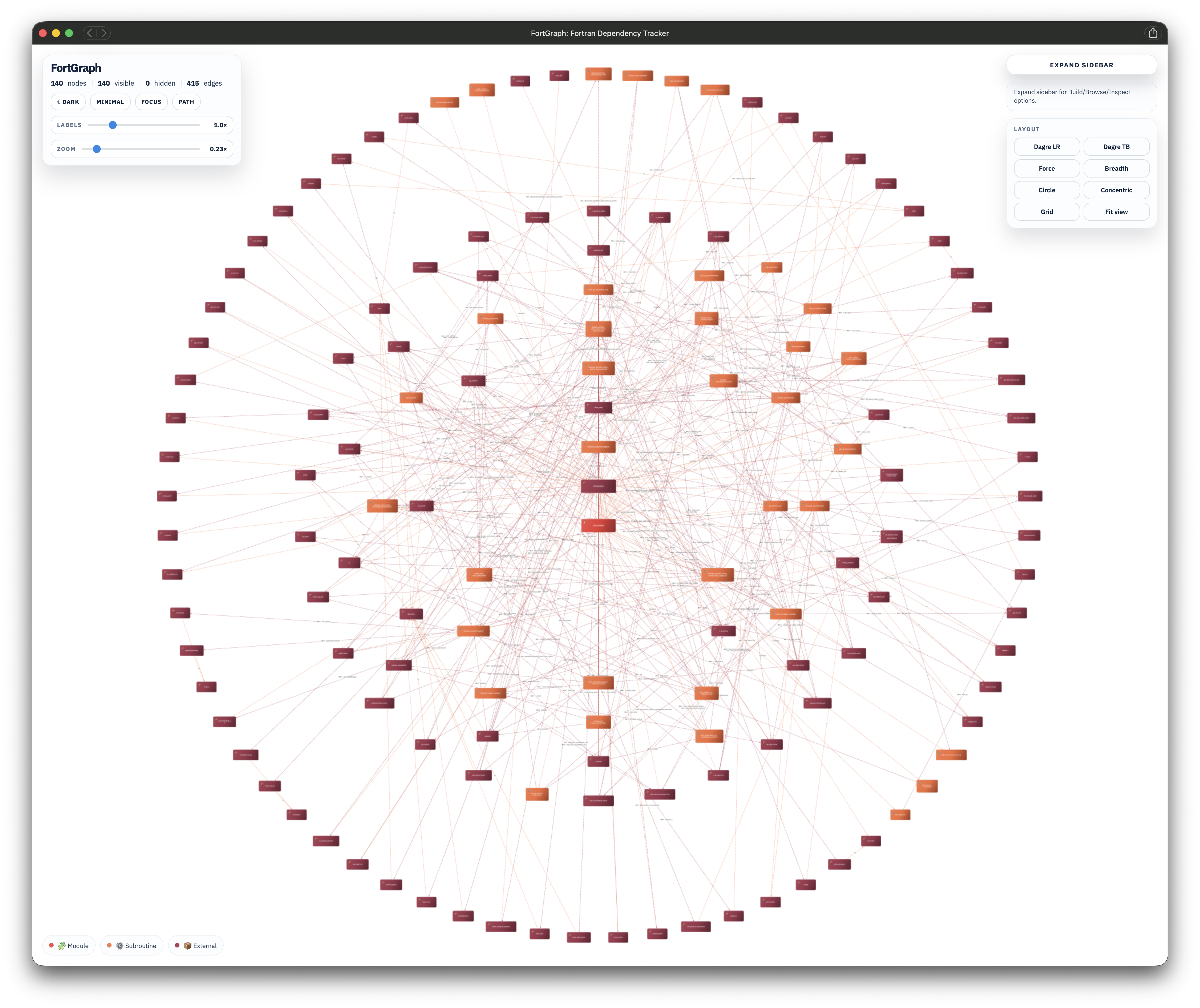
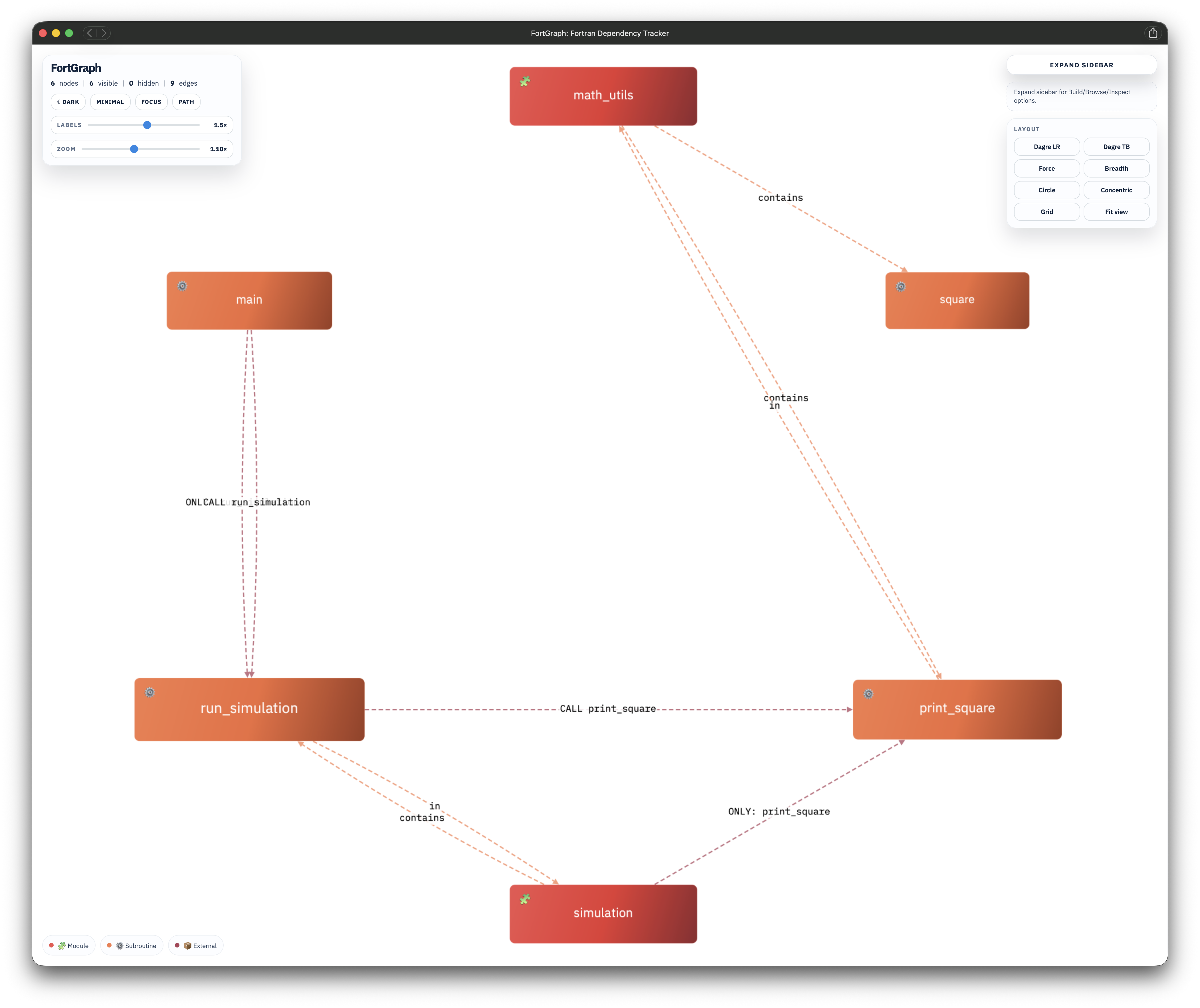
- Provides multiple graph layouts.
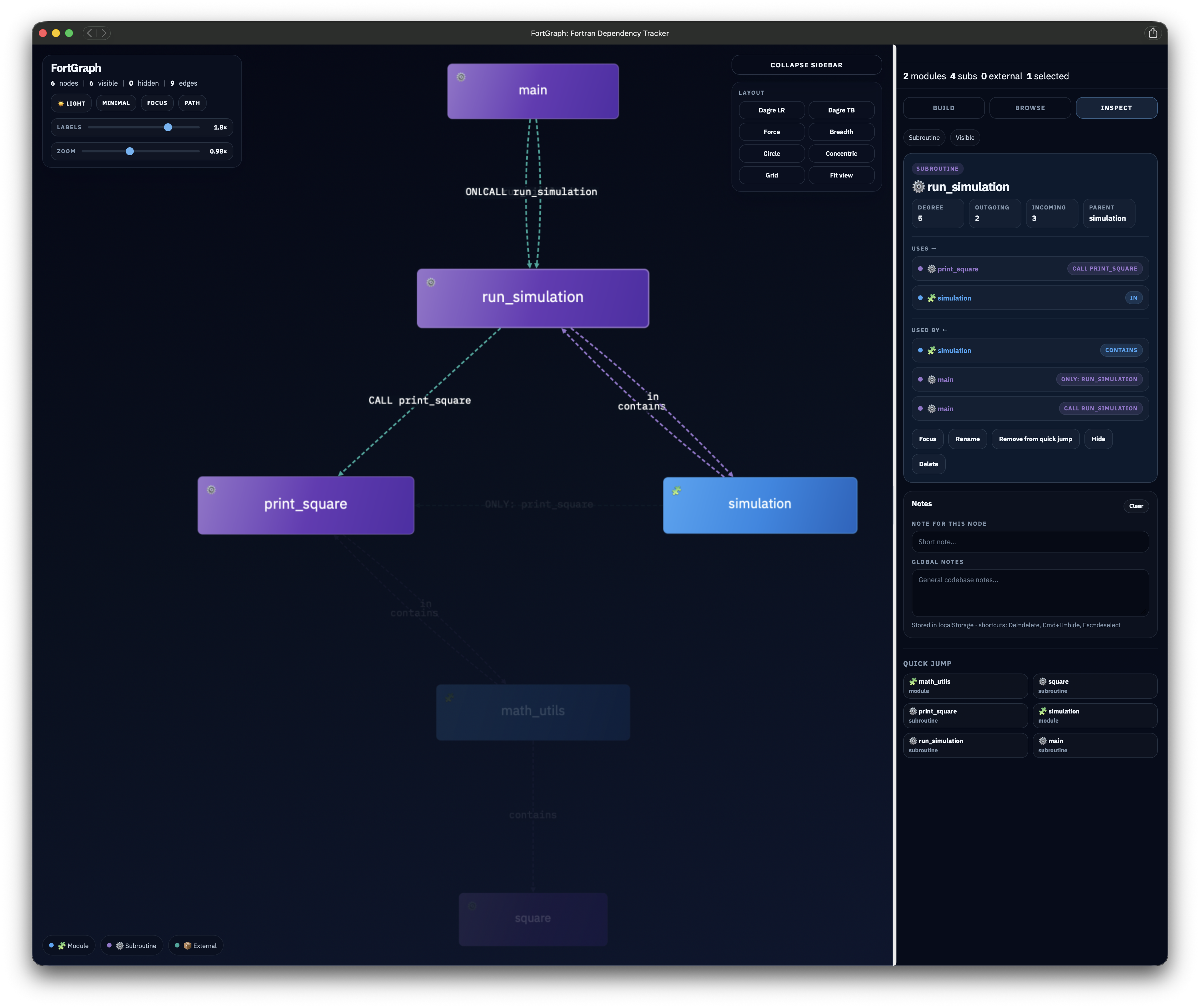
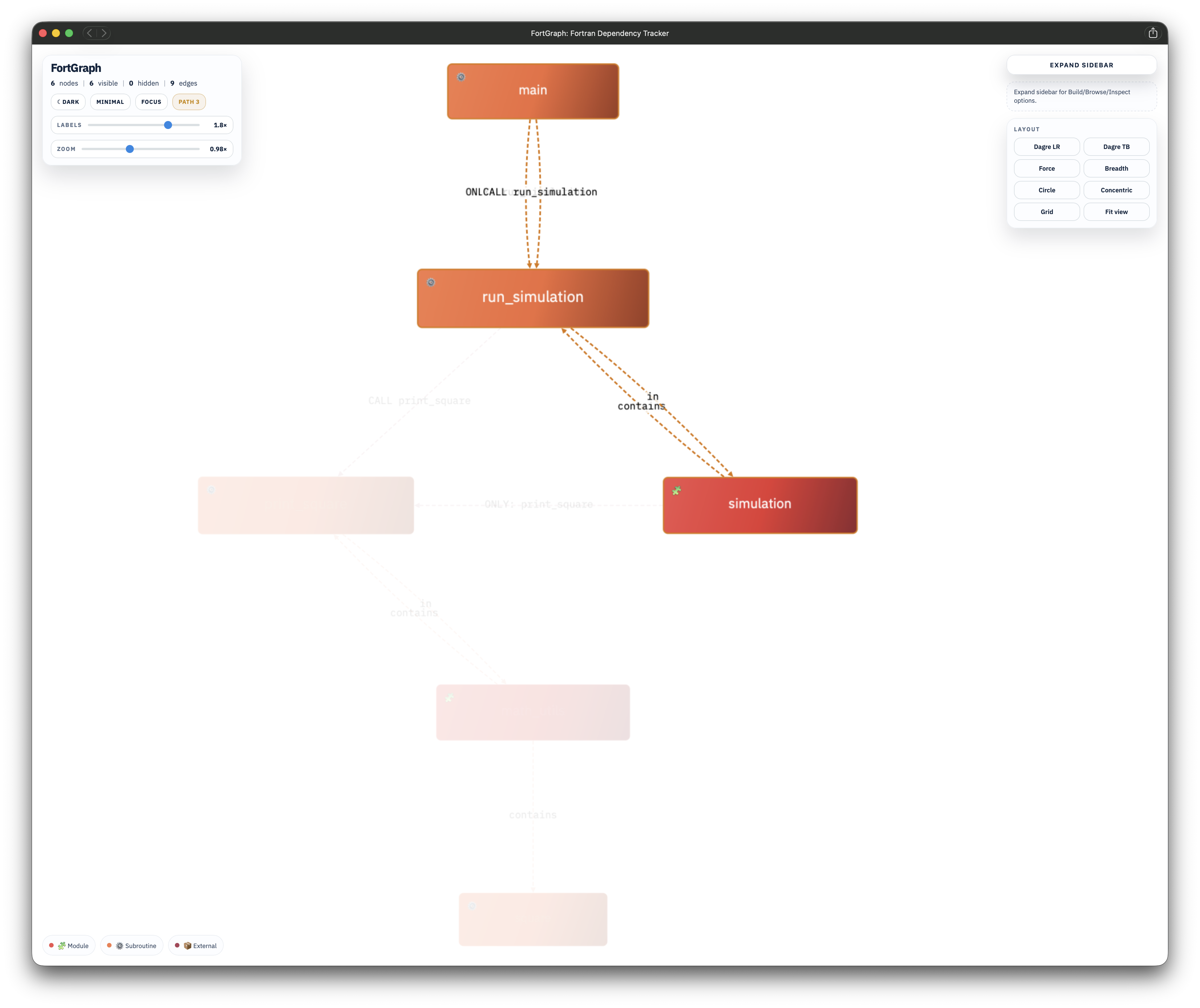
- Supports node search, hiding, notes, path highlighting, undo/redo, and JSON/DOT export.
- Parses pasted
USEblocks in the viewer, includingUSE ... ONLY:statements, multiline continuations, and inline-comment stripping. - Shows detailed incoming and outgoing relationship labels in the Inspect tab, including
USEandONLY:edges in Minimal mode. - Allows the Quick Jump list to be customized by adding or removing nodes while preserving the automatic default behavior.
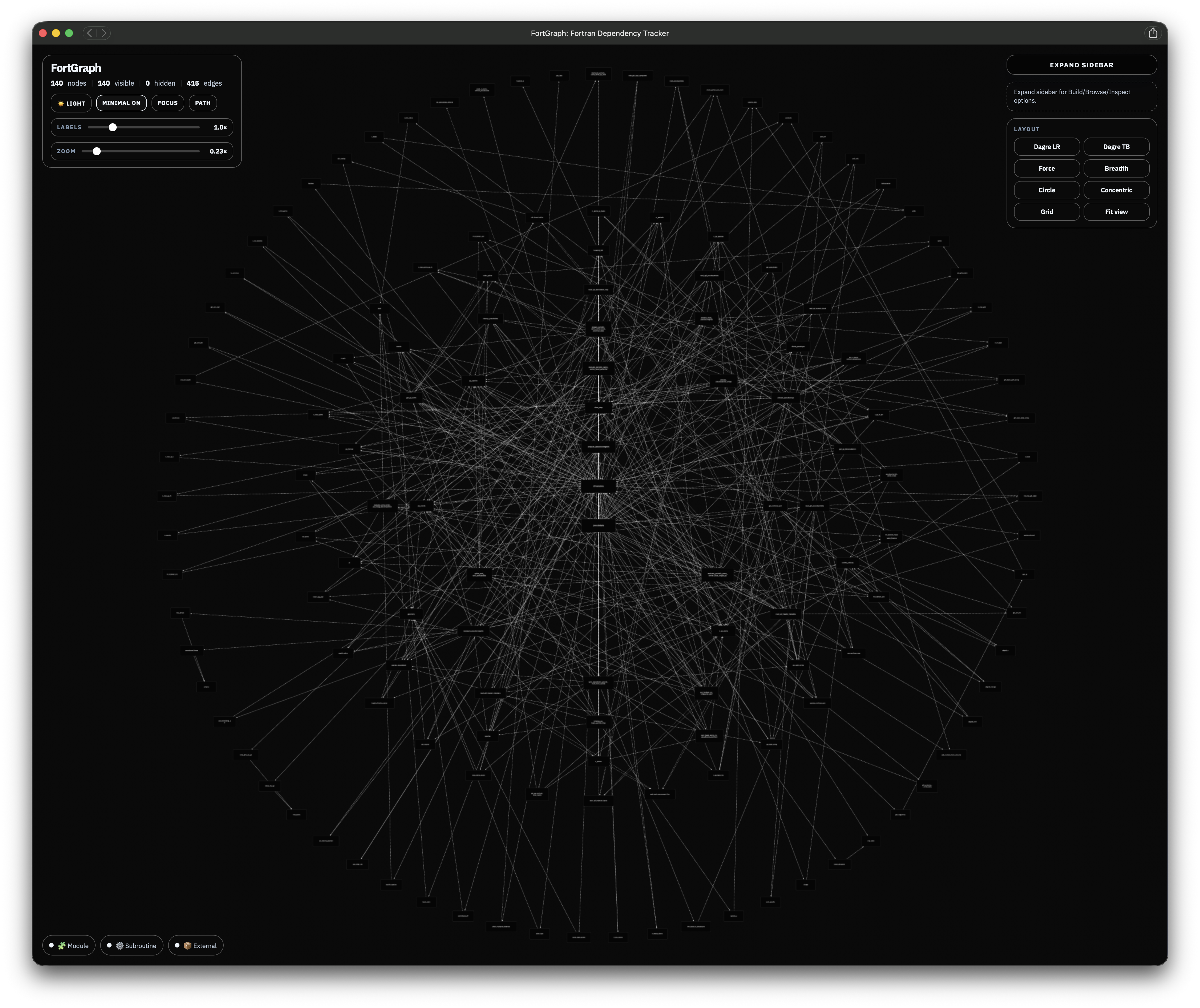
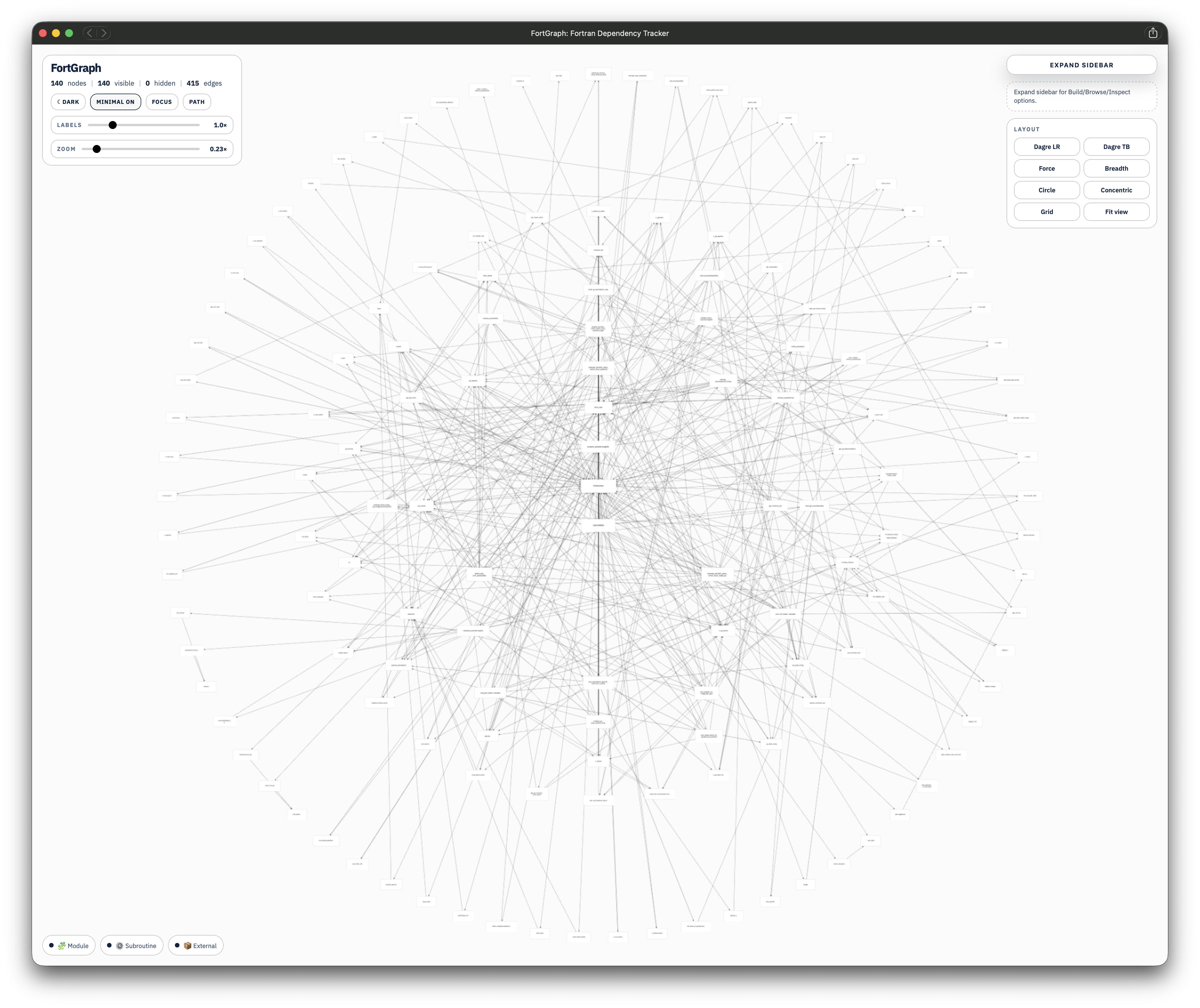
- Includes an optional Minimal mode for large graphs, with a simplified monochrome view and faster interaction.
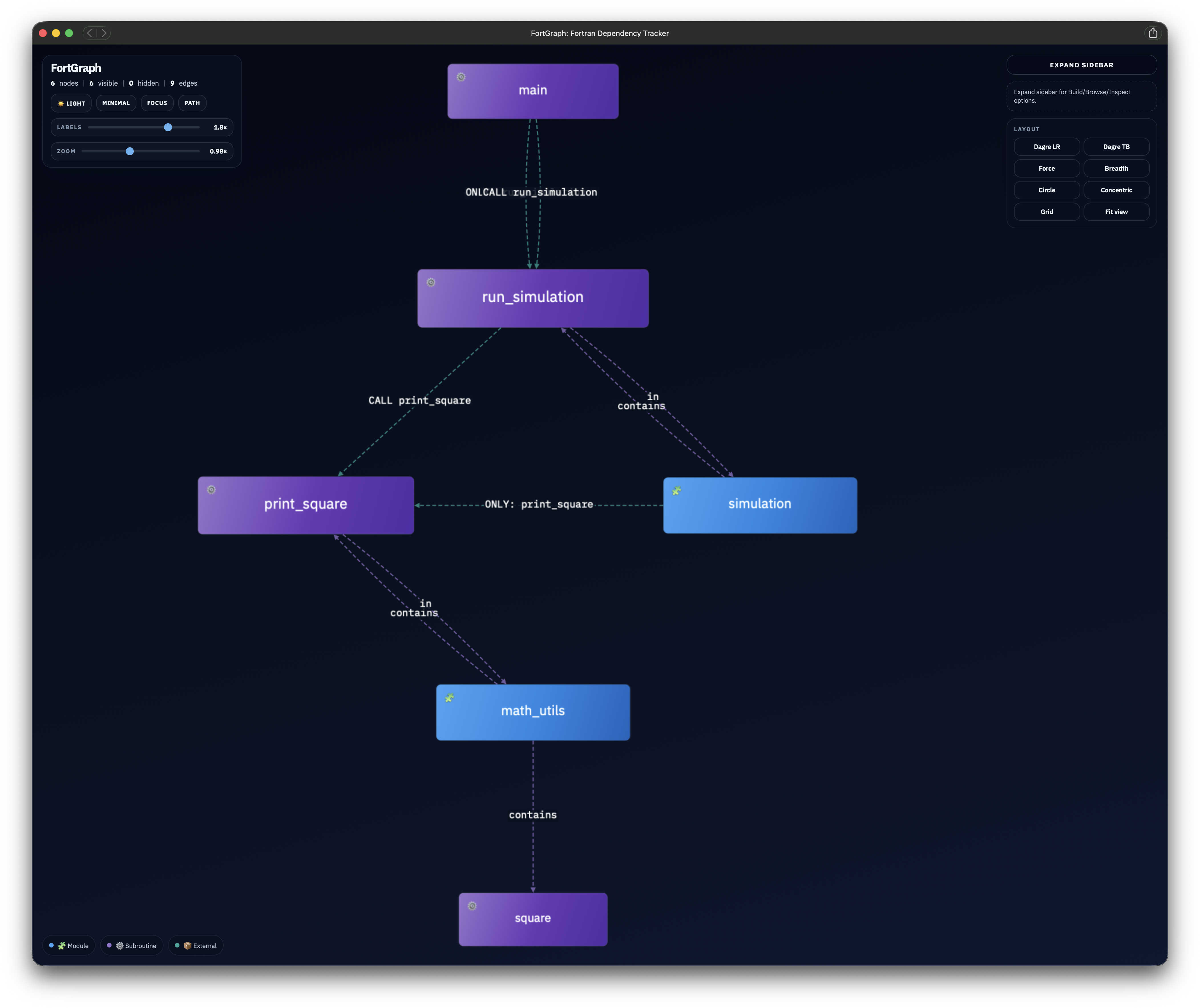
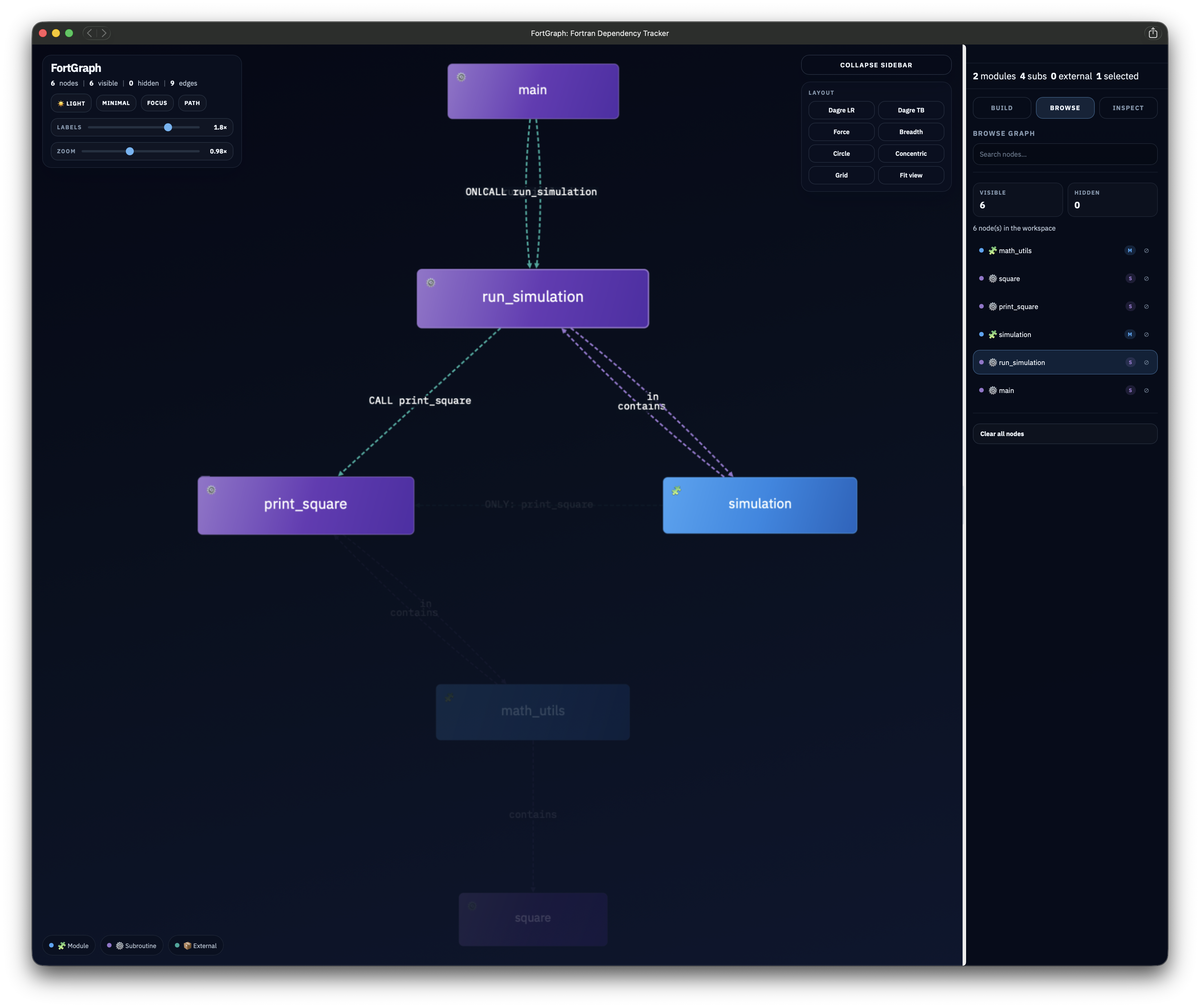
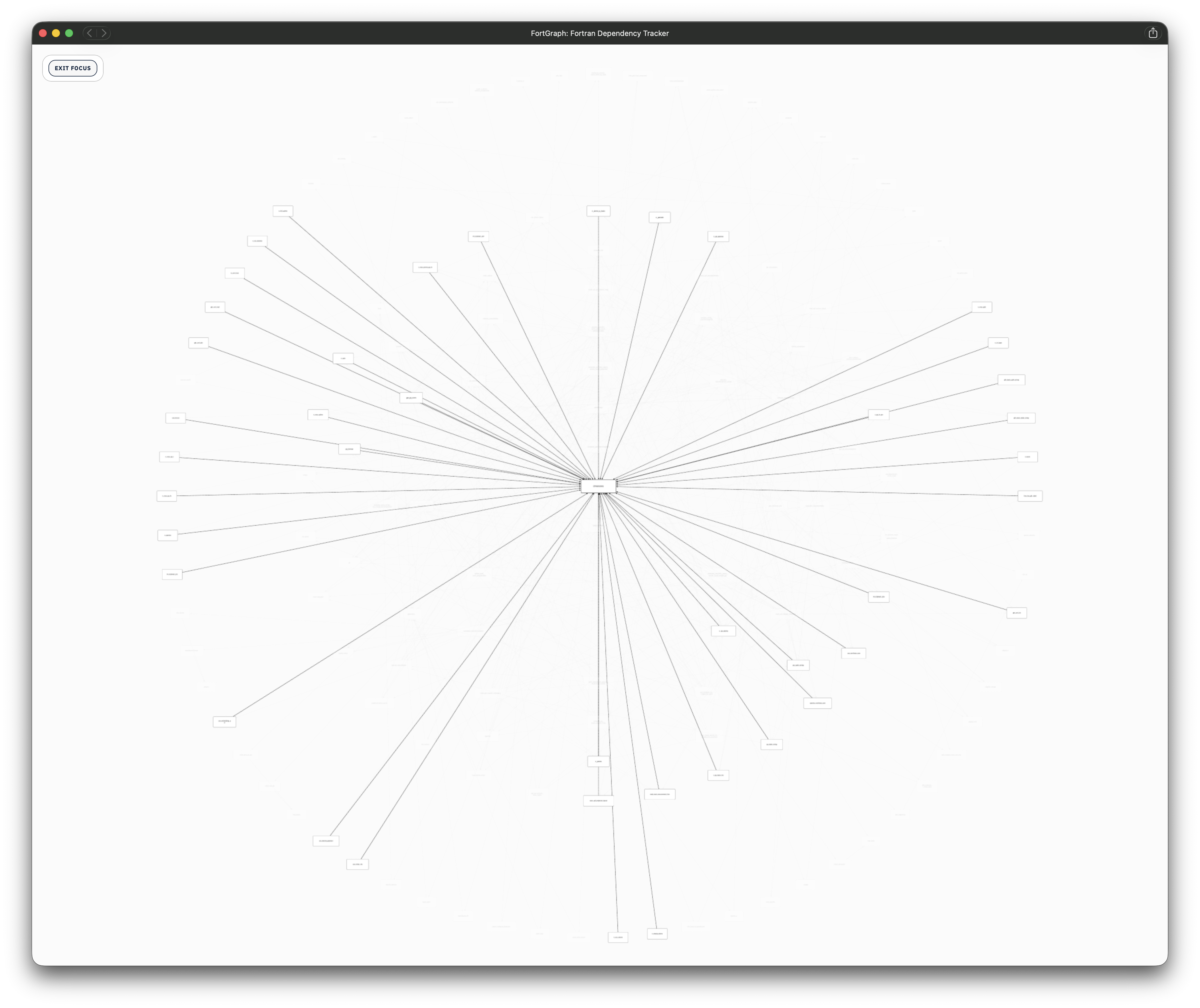
Screenshots
click on the panels to zoom.
 </td>
</td>
 </td>
</tr>
</table>
</td>
</tr>
</table>
 </td>
</td>
 </td>
</tr>
</table>
</td>
</tr>
</table>
 </td>
</td>
 </td>
</tr>
</table>
</td>
</tr>
</table>
 </td>
</td>
 </td>
</tr>
</table>
## Requirements
### Python parser
- Python 3.10
### HTML viewer
- A desktop browser
## Quick start
### 1. Open the viewer
Open `FortGraph.html` in a browser.
- The interface allows manual parsing of modules and subroutines and graph export in JSON format.
- For large modules and files, you may want to use the following Python-based dependency generation workflow.
### 2. Generate a dependency graph
```bash
python3 fortran_to_workflow.py source.f90 -o dependencies.json
```
### 3. Import the JSON
In FortGraph:
1. Open the **Add** tab.
2. Locate the JSON import section.
3. Select `dependencies.json`.
4. Import it into the graph.
JSON imports are additive. Existing nodes and connections remain in place.
## Parser usage
```text
python3 fortran_to_workflow.py INPUT [INPUT ...] [OPTIONS]
```
### Parse one file
```bash
python3 fortran_to_workflow.py solver.f90 -o solver.json
```
### Parse multiple files
```bash
python3 fortran_to_workflow.py \
constants.f90 \
solver.f90 \
main.f90 \
-o project.json
```
Shell wildcards can also be used:
```bash
python3 fortran_to_workflow.py src/*.f90 -o project.json
```
### Parse a directory
```bash
python3 fortran_to_workflow.py src -r -o project.json
```
### Include intrinsic modules
Intrinsic modules such as `iso_fortran_env` and `iso_c_binding` are omitted by default.
To include them:
```bash
python3 fortran_to_workflow.py src -r \
--include-intrinsic-modules \
-o project.json
```
### Infer function calls
Fortran expressions such as:
```fortran
energy = compute_energy(state)
```
may represent:
- a function call,
- an array reference,
- a type constructor.
FortGraph therefore does not infer these references by default.
To enable heuristic function-call detection:
```bash
python3 fortran_to_workflow.py src -r \
--infer-functions \
-o project.json
```
## Supported source extensions
The parser recognizes the following common Fortran extensions:
```text
.f
.for
.ftn
.f77
.f90
.f95
.f03
.f08
.f18
```
Uppercase variants are also supported.
Files using `.f`, `.for`, `.ftn`, or `.f77` are treated as fixed-form Fortran. Other recognized extensions are treated as free-form Fortran.
## Graph model
FortGraph uses three node types.
| Node type | Meaning |
|---|---|
| `module` | A module defined in the parsed source |
| `subroutine` | A subroutine, function, or program defined in the parsed source |
| `external` | A referenced module or procedure not defined in the supplied files |
Functions and programs currently use the `subroutine` visual category so they can participate in the same procedure-dependency graph.
## Edge types
| Label or type | Meaning |
|---|---|
| `contains` | A module contains a procedure |
| `USE` | A scope imports a module |
| `ONLY: name` | A scope imports a named symbol |
| `CALL name` | A procedure directly calls another procedure |
| `FUNC name` | A likely function reference detected with `--infer-functions` |
| `in` | A symbol is associated with an imported module |
## Example
The `examples/basic` directory contains:
- `sample_project.f90` — a short Fortran example containing two modules and a program.
- `sample_project.json` — the corresponding FortGraph JSON graph.
- `fortgraph.schema.json` — a formal JSON Schema for FortGraph JSON files.
Generate the example yourself with:
```bash
python3 fortran_to_workflow.py \
examples/basic/sample_project.f90 \
-o examples/basic/sample_project.generated.json
```
Then open `FortGraph.html` and import the generated JSON.
## License
The code is distributed with open-source MIT license.
## Contributing
Issues and pull requests are welcome.
</td>
</tr>
</table>
## Requirements
### Python parser
- Python 3.10
### HTML viewer
- A desktop browser
## Quick start
### 1. Open the viewer
Open `FortGraph.html` in a browser.
- The interface allows manual parsing of modules and subroutines and graph export in JSON format.
- For large modules and files, you may want to use the following Python-based dependency generation workflow.
### 2. Generate a dependency graph
```bash
python3 fortran_to_workflow.py source.f90 -o dependencies.json
```
### 3. Import the JSON
In FortGraph:
1. Open the **Add** tab.
2. Locate the JSON import section.
3. Select `dependencies.json`.
4. Import it into the graph.
JSON imports are additive. Existing nodes and connections remain in place.
## Parser usage
```text
python3 fortran_to_workflow.py INPUT [INPUT ...] [OPTIONS]
```
### Parse one file
```bash
python3 fortran_to_workflow.py solver.f90 -o solver.json
```
### Parse multiple files
```bash
python3 fortran_to_workflow.py \
constants.f90 \
solver.f90 \
main.f90 \
-o project.json
```
Shell wildcards can also be used:
```bash
python3 fortran_to_workflow.py src/*.f90 -o project.json
```
### Parse a directory
```bash
python3 fortran_to_workflow.py src -r -o project.json
```
### Include intrinsic modules
Intrinsic modules such as `iso_fortran_env` and `iso_c_binding` are omitted by default.
To include them:
```bash
python3 fortran_to_workflow.py src -r \
--include-intrinsic-modules \
-o project.json
```
### Infer function calls
Fortran expressions such as:
```fortran
energy = compute_energy(state)
```
may represent:
- a function call,
- an array reference,
- a type constructor.
FortGraph therefore does not infer these references by default.
To enable heuristic function-call detection:
```bash
python3 fortran_to_workflow.py src -r \
--infer-functions \
-o project.json
```
## Supported source extensions
The parser recognizes the following common Fortran extensions:
```text
.f
.for
.ftn
.f77
.f90
.f95
.f03
.f08
.f18
```
Uppercase variants are also supported.
Files using `.f`, `.for`, `.ftn`, or `.f77` are treated as fixed-form Fortran. Other recognized extensions are treated as free-form Fortran.
## Graph model
FortGraph uses three node types.
| Node type | Meaning |
|---|---|
| `module` | A module defined in the parsed source |
| `subroutine` | A subroutine, function, or program defined in the parsed source |
| `external` | A referenced module or procedure not defined in the supplied files |
Functions and programs currently use the `subroutine` visual category so they can participate in the same procedure-dependency graph.
## Edge types
| Label or type | Meaning |
|---|---|
| `contains` | A module contains a procedure |
| `USE` | A scope imports a module |
| `ONLY: name` | A scope imports a named symbol |
| `CALL name` | A procedure directly calls another procedure |
| `FUNC name` | A likely function reference detected with `--infer-functions` |
| `in` | A symbol is associated with an imported module |
## Example
The `examples/basic` directory contains:
- `sample_project.f90` — a short Fortran example containing two modules and a program.
- `sample_project.json` — the corresponding FortGraph JSON graph.
- `fortgraph.schema.json` — a formal JSON Schema for FortGraph JSON files.
Generate the example yourself with:
```bash
python3 fortran_to_workflow.py \
examples/basic/sample_project.f90 \
-o examples/basic/sample_project.generated.json
```
Then open `FortGraph.html` and import the generated JSON.
## License
The code is distributed with open-source MIT license.
## Contributing
Issues and pull requests are welcome.